
CompTIA Network+ Course

CompTIA Network+ online training help to develop a career in IT infrastructure covering troubleshooting, configuring, and managing networks.

  • 20000
  • 25000
  • Course Includes
  • Live Class Practical Oriented Training
  • 80 + Hrs Instructor LED Training
  • 40 + Hrs Practical Exercise
  • 30 + Hrs Project Work & Assignment
  • Timely Doubt Resolution
  • Dedicated Student Success Mentor
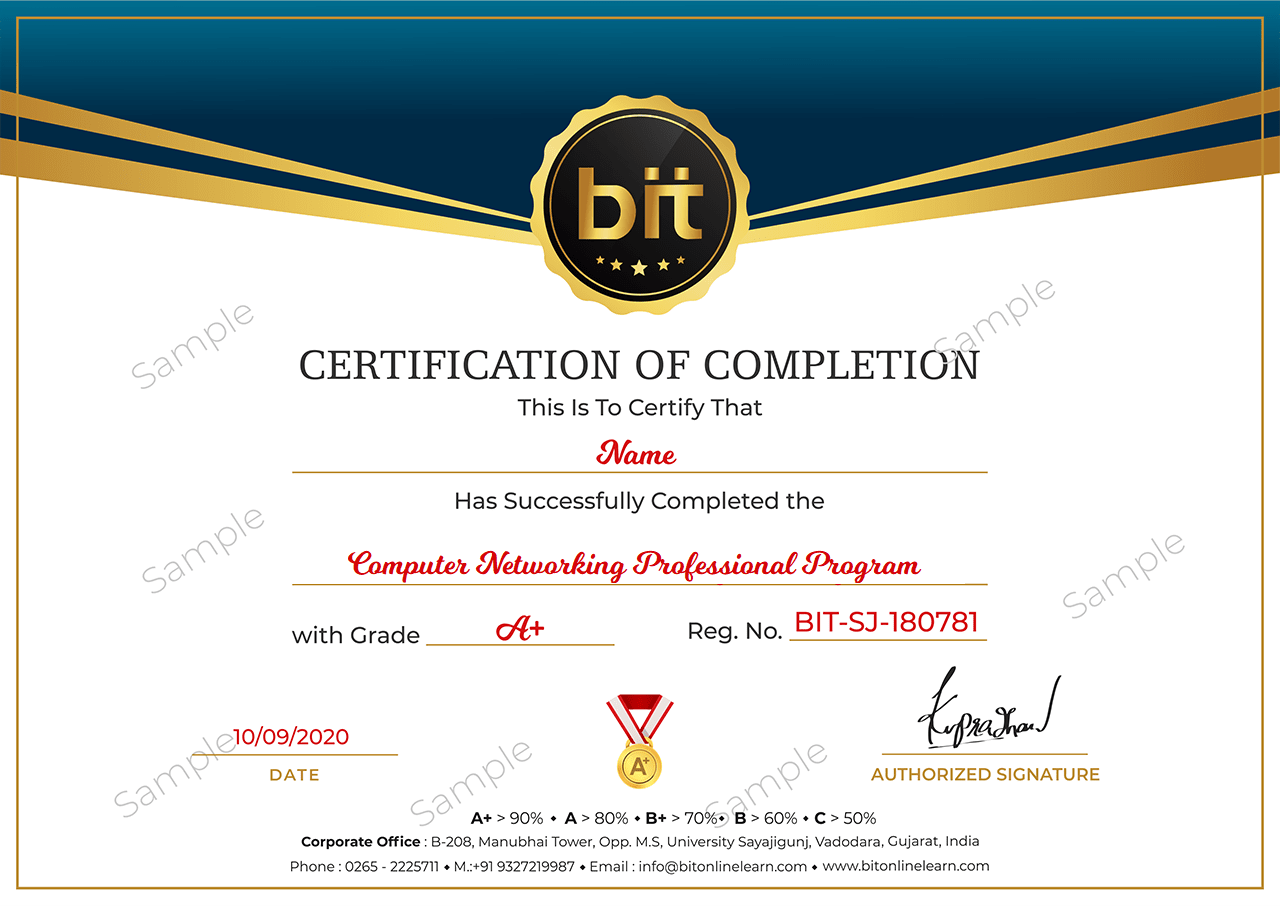
  • Certification & Job Assistance
  • Free Access to Workshop & Webinar
  • No Cost EMI Option


Have Query ?

What you will learn

  • Identify characteristics of a variety of network protocols and the components of a LAN implementation.
  • Identify the components of a WAN implementation, major issues and technologies in network security.
  • Identify the components of a remote network implementation and major issues and technologies in disaster recovery.
  • Design and implement functional networks. Configure, manage, and maintain essential network devices
  • Use devices such as switches and routers to segment network traffic and create resilient networks
  • Implement network security, standards, and protocols. Troubleshoot network problems

Requirements

  • CompTIA A+ certification or equivalent knowledge, though CompTIA A+ certification is not required.

Description

|| About CompTIA Network + Training Course

CompTIA’s Network+ certification is an entry level vendor neutral certification for aspiring system and network administrators. The Network+ online training course provides basic training in managing, maintaining, troubleshooting, installing and configuring a network infrastructure. Nine months of experience in network support or administration along with a CompTIA A+ certification is recommended before the Network+ course. Network+ certification is also a step towards attaining higher level vendor specific certifications such as Microsoft (MCSE, MCITP), Cisco (CCNA, CCNP) and Linux (Linux+, RHCE).


This course is intended for anyone that is preparing for a network technician position or looking to improve their skills and become CompTIA Network+ Certified. However, it goes beyond that and will give you the skills you need to be a better network tech on the job. This is a complete and comprehensive CompTIA Network+ Certification (N10-007) course. It is designed to prepare the student to be able to take and pass the certification exam needed to become CompTIA Network+ Certified.

Course Content

Live Lecture 1-8

Explain the purpose of a variety of networking concepts and implement them appropriately
Lecture 1: Explain the purposes and uses of ports and protocols.

·         Protocols and ports

·         Protocol types

·         Connection-oriented vs. connectionless

Lecture 2: Explain devices, applications, protocols and services at their appropriate OSI layers

·         Layer 1-   Physical

·         Layer 2 -  Data link

·         Layer3 - Network

·         Layer4 – Transport

·         Layers - Session

·         Layer6 – Presentation

·         Layer7 -Application    

Lecture 3: Explain the concepts and characteristics of routing and switching

·         Properties of network traffic

·         Segmentation and interface properties

·         Routing

·         1Pv6 concepts

·         Performance concepts

·         NAT/PAT

·         Port forwarding

·         Access control list

·         Distributed switching

·         Packet-switched vs. circuit

·         switched network

·         Software-defined networking 

Lecture 4: Given a scenario, configure the appropriate IP addressing components

·         Private  vs. public

·         Loop back and reserved

·         Default  gateway

·         Virtual  IP

·         Subnet  mask

·         Subnetting

·        Address assignments  

Lecture 5: Compare and contrast the characteristics of network topologies, types and technologies

·         Wired  topologies

·         Types  

·         Technologies  that  facilitate the Internet of Things (loT)

·         Wireless  topologies    

Lecture 6: Given a scenario, implement the appropriate wireless technologies and configurations

·         802.11   standards

·         Cellula

·         Frequencies

·         Speed and distance  requirements

·         Channel bandwidth

·         Channel bonding

·         MIMO/MU-MIMO

·         Unidirectional/omnidirectional

·         Site surveys

Lecture 7: Summarize cloud concepts and their purposes

·         Types of services

·         Cloud delivery models

·         Connectivity methods

·         Security implications/considerations

·         Relationship between  local and cloud resources                  


Lecture 8: Explain the functions of network services

·         DNS  service

·         DHCP  service

·         NTP

·        IPAM  

Live Lecture - 9 - 13

Determine & explain the appropriate cabling, device and storage technologies

Lecture 9: Given a scenario, deploy the appropriate cabling solution

·         Media types

·         Plenum vs. PVC

·         Connector  types

·         Transceivers

·         Termination   points

·         Copper cable standards

·         Copper termination  standards

·         Ethernet  deployment   standards

Lecture 10: Given a scenario, determine the appropriate placement of networking devices on a network and install/configure them

·         Firewall

·         Router

·         Switch

·         Hub    

·         Bridge

·         Modems

·         Wireless  access point

·         Media converter

·         Wireless  range extender

·         VoIP endpoint            

Lecture 11: Explain the purposes and use cases for advanced networking devices

·         Multilayer switch

·         Proxy server

·         NGFW/Layer 7 firewall

·         Wireless  controller

·         VPN concentrator

·         VoIP PBX

·         Load balancer

·         IDS/IPS         

·         AANRADIUS server

·         UTM appliance          

·         VoIP gateway

·         Content  filter 

Lecture 12: Explain the purposes of virtualization and network storage technologies

·         Virtual  networking components

·         Network  storage  types

·         Connection  type

·         Jumbo frame   

Lecture 13: Compare and contrast WAN technologies

·         Service type

·         Transmission  mediums

·         Characteristics   of service

·        Termination

Live Lecture - 14 -18

Use best practices to manage the network, determine policies & ensure business continuity

Lecture 14: Given a scenario, use appropriate documentation and diagrams to manage the network

·         Diagram symbols

·         Standard operating procedures/

·         work instructions

·         Logical vs. physical diagrams

·         Rack diagrams

·         Change management documentation

·         Wiring and port locations

·         IDF/MDF documentation

·         Labelling

·         Network configuration and performance baselines

·         Inventory management

Lecture 15: Compare and contrast business continuity and disaster recovery concepts

·         Availability concepts

·         Recovery

·         MTBF

·         SLA  requirements      

Lecture 16: Explain common scanning, monitoring and patching processes and summarize their expected outputs

·         Processes

·         Event management

·         Metrics

·        SNMPmonitors

Lecture 17: Given a scenario, use remote access methods

·         VPN

·         RDP

·         SSH

·         VNC

·         Telnet

·         HTTPS/management  URL

·         Remote tile access

·         Out-of-band  management

Lecture 18: Identify policies and best practices

·         Privileged  user agreement

·         Password  policy

·         On-boarding/off-boarding procedures

·         Licensing  restrictions

·         International  export  controls

·         Data loss prevention

·         Remote access policies

·         Incident response  policies

·         BYOD

·         AUP

·         NDA

·         System life cycle

·         Safety procedures  and policies          

Live Lecture - 19 -24

Summarize physical security & common attacks while securing the wired and wireless network

Lecture 19: Summarize the purposes of physical security devices

·         Detection

·         Prevention                  

·         Lecture 20: Explain authentication and access controls

·         Authorization, authentication and accounting

·         Multi factor authentication

·         Access control

Lecture 21: Given a scenario, secure a basic wireless network

·         WPA

·         WPA2

·         TKIP-RC4

·         CCMP-AES

·         Authentication  and authorization

·      Geofencing     

Lecture 22: Summarize common networking attacks

·         Dos

·         Rogue access point

·         Spoofing

·         Evil twin

·         Deauthentication

·         War-driving

·         Brute force

·         Phishing

·         VLAN hopping

·         Social engineering

·         Ransomware

·         Man-in-the-middle

·         Insider  threat

·         DNS poisoning

·         Exploits  vs. vulnerabilities

·         Logic bomb

·         ARP poisoning

Lecture 23: Given a scenario, implement network device hardening

·         Changing  default  credentials

·         Avoiding  common  passwords

·         Upgrading  firmware

·         Patching  and updates

·         File hashing

·         Disabling  unnecessary  services

·         Using secure protocols

·         Generating  new keys

·        Disabling  unused ports

Lecture 24: Explain common mitigation techniques and their purposes

·         Signature  management

·         Device hardening

·         Change native  VLAN

·         Switch  port  protection

·         Network  segmentation

·         Privileged  user account

·         File integrity  monitoring

·         Role separation

·         Restricting  access via ACLs

·         Honeypot/honeynet

·        Penetration   testing