Hardware Networking Master's Program online training course is made for learners to properly understand the hardware and networking technologies that they will be working with so that they can support various IT infrastructures.
To understanding the basics of computer as well as mobile security, networking, hardware as well as software.
Understand the various network components in an organization’s operating systems
To expertise and skills in handling both hardware and software components of IT assets in an organization
Identify characteristics of a variety of network protocols. Identify the components of a LAN implementation.
Identify the components of a WAN implementation. Identify major issues and technologies in network security.
Identify the components of a remote network implementation. Identify major issues and technologies in disaster recovery.
Identify major data storage technologies and implementations.
Configure mobile and desktop devices and applications as well as offer support when necessary.
Requirements
Anyone with basic computer knowledge is eligible to apply for this certification. There are no prerequisites for this course, and there is no recommended learning or work experience required to be eligible either.
Description
|| About Hardware & Networking Training Course
Accelerate your career in Hardware & Networking with the exclusive Master’s program. Experience Practical training by an industry leader on the most in-demand Networking learning skills. Gain hands-on exposure to key technologies including Hardware, Networking, Operatining System, Virtualization & Cloud Computing, Security, Software Troubleshooting, Advance Networking.
This entry-level certification online training course comes with basic knowledge and understanding of software and hardware technologies. Candidates who are completing this certificate course gain worldwide recognition after obtaining their certification. They learn more about the core skills required for their jobs, such as network and application security to support IT, troubleshooting, the configuration of multiple operating systems such as Windows, Linux, and more. The course revolves around supporting basic IT infrastructures both with hardware and software programs and applications. Candidates of this certification training course also learn about the best practices to implement when it comes to change management, scripting, and documentation. The course also covers how to perform basic backup and recovery for data, among various other data management practices. CompTIA Network+ helps develop a career in IT infrastructure covering troubleshooting, configuring, and managing networks.
Lecture 65: Explain the processes for addressing prohibited content/activity & privacy, licensing & policy concepts
·Incident response
·Licensing/DRM/EULA
·Regulated data
·Follow all policies and security best practices
·Practical Exercise
Lecture 66: Use proper communication techniques & professionalism
·Use proper language & avoid jargon acronyms, and slang
·Maintain a positive attitude/project confidence
·Actively listen (taking notes) & avoid interrupting the customer
·Be culturally sensitive
·Be on time (if late, contact the customer)
·Avoid distractions
·Dealing with difficult customers or situations
·Set & meet expectations/timeline & communicate status
·Deal appropriately with customers confidential & private materials
·Practical Exercise
Lecture 67: Identify the basics of scripting
·Script file types
·Environment variables
·Basic data types
·Comment syntax
·Basic script constructs
·Practical Exercise
Lecture 68: Use remote access technologies
·RDP
·Telnet
·SSH
·Third-party tools
·Security considerations of each access method
·Practical Exercise
Lecture 69: Explain the purposes and uses of ports and protocols
·Protocols and ports
·Protocol types
·Connection-oriented vs. connectionless
·Practical Exercise
Lecture 70: Explain devices, applications, protocols and services at their appropriate OSI layers
·Layer 1- Physical
·Layer 2 - Data link
·Layer3 - Network
·Layer4 – Transport
·Layer5 - Session
·Layer6 – Presentation
·Layer7 -Application
·Practical Exercise
Lecture 71: Explain the concepts and characteristics of routing and switching
·Properties of network traffic
·Segmentation and interface properties
·Routing
·1Pv6 concepts
·Performance concepts
·NAT/PAT
·Port forwarding
·Access control list
·Distributed switching
·Packet-switched vs. circuit
·switched network
·Software-defined networking
·Practical Exercise
Lecture 72: Given a scenario, configure the appropriate IP addressing components
·Private vs. public
·Loop back and reserved
·Default gateway
·Virtual IP
·Subnet mask
·Subnetting
·Address assignments
·Practical Exercise
Lecture 73: Compare and contrast the characteristics of network topologies, types and technologies
·Wired topologies
·Types
·Technologies that facilitate the Internet of Things (loT)
·Wireless topologies
·Practical Exercise
Lecture 74: Given a scenario, implement the appropriate wireless technologies and configurations
·802.11 standards
·Cellula
·Frequencies
·Speed and distance requirements
·Channel bandwidth
·Channel bonding
·MIMO/MU-MIMO
·Unidirectional/omnidirectional
·Site surveys
·Practical Exercise
Lecture 75: Summarize cloud concepts and their purposes
·Types of services
·Cloud delivery models
·Connectivity methods
·Security implications/considerations
·Relationship between local and cloud resources
·Practical Exercise
Lecture 76: Explain the functions of network services
·DNS service
·DHCP service
·NTP
·IPAM
·Practical Exercise
Lecture 77: Given a scenario, deploy the appropriate cabling solution
·Media types
·Plenum vs. PVC
·Connector types
·Transceivers
·Termination points
·Copper cable standards
·Copper termination standards
·Ethernet deployment standards
·Practical Exercise
Lecture 78: Given a scenario, determine the appropriate placement of networking devices on a network and install/configure them
·Firewall
·Router
·Switch
·Hub
·Bridge
·Modems
·Wireless access point
·Media converter
·Wireless range extender
·VoIP endpoint
·Practical Exercise
Lecture 79: Explain the purposes and use cases for advanced networking devices
·Multilayer switch
·Proxy server
·NGFW/Layer 7 firewall
·Wireless controller
·VPN concentrator
·VoIP PBX
·Load balancer
·IDS/IPS
·AANRADIUS server
·UTM appliance
·VoIP gateway
·Content filter
·Practical Exercise
Lecture 80: Explain the purposes of virtualization and network storage technologies
·Virtual networking components
·Network storage types
·Connection type
·Jumbo frame
·Practical Exercise
Lecture 81: Compare and contrast WAN technologies
·Service type
·Transmissionmediums
·Characteristicsof service
·Termination
·Practical Exercise
Lecture 82: Given a scenario, use appropriate documentation and diagrams to manage the network
·Diagram symbols
·Standard operating procedures/
·work instructions
·Logical vs. physical diagrams
·Rack diagrams
·Change management documentation
·Wiring and port locations
·IDF/MDF documentation
·Labelling
·Network configuration and performance baselines
·Inventory management
·Practical Exercise
Lecture 83: Compare and contrast business continuity and disaster recovery concepts
·Availability concepts
·Recovery
·MTBF
·SLA requirements
·Practical Exercise
Lecture 84: Explain common scanning, monitoring and patching processes and summarize their expected outputs
·Processes
·Event management
·Metrics
·SNMPmonitors
·Practical Exercise
Lecture 85: Given a scenario, use remote access methods
·VPN
·RDP
·SSH
·VNC
·Telnet
·HTTPS/management URL
·Remote tile acces
·Out-of-band management
·Practical Exercise
Lecture 86: Identify policies and best practices
·Privilegeduser agreement
·Passwordpolicy
·On-boarding/off-boarding procedures
·Licensingrestrictions
·Internationalexport controls
·Data loss prevention
·Remote access policies
·Incident responsepolicies
·BYOD
·AUP
·NDA
·System life cycle
·Safety proceduresand policies
·Practical Exercise
Lecture 87: Summarize the purposes of physical security devices
·Detection
·Prevention
·Practical Exercise
Lecture 88: Explain authentication and access controls
·Authorization, authentication and accounting
·Multi factor authentication
·Access control
·Practical Exercise
Lecture 89: Given a scenario, secure a basic wireless network
·WPA
·WPA2
·TKIP-RC4
·CCMP-AES
·Authentication and authorization
·Geofencing
·Practical Exercise
Lecture 90: Summarize common networking attacks
·Dos
·Rogue access point
·Spoofing
·Evil twin
·Deauthentication
·War-driving
·Brute force
·Phishing
·VLAN hopping
·Social engineering
·Ransomware
·Man-in-the-middle
·Insider threat
·DNS poisoning
·Exploits vs. vulnerabilities
·Logic bomb
·ARP poisoning
·Practical Exercise
Lecture 91: Given a scenario, implement network device hardening
·Changing default credentials
·Avoiding common passwords
·Upgrading firmware
·Patching and updates
·File hashing
·Disabling unnecessary services
·Using secure protocols
·Generating new keys
·Disabling unused ports
·Practical Exercise
Lecture 92: Explain common mitigation techniques and their purposes
·Signaturemanagement
·Device hardening
·Change nativeVLAN
·Switchportprotection
·Networksegmentation
·Privilegeduser account
·File integritymonitoring
·Role separation
·Restrictingaccess via ACLs
·Honeypot/honeynet
·Penetration testing
·Practical Exercise
Lecture 93: Explain the network troubleshooting methodology
·Identify the problem
·Establish a theory of probable cause
·Test the theory to determine the cause
·Document findings, actions, and outcomes
·Establish a plan of action to resolve the problem and identify
·potential effects
·Implement the solution or escalate as necessary
·Verify full system functionality and, if applicable, implement preventive measures
·Practical Exercise
Lecture 94: Given a scenario, use the appropriate tool
·Hardware tools
·Software tools
·Practical Exercise
Lecture 95: Given a scenario, troubleshoot common wired connectivity and performance issues
·Attenuation
·Latency
·Jitter
·Crosstalk
·EMI
·Open/short
·Incorrect pin-out
·Incorrect cable type
·Bad port
·Transceiver mismatch
·TX/RX reverse
·Duplex/speed mismatch
·Damaged cables
·Bent pins
·Bottlenecks
·VLAN mismatch
·Network connection LED status indicators
·Practical Exercise
Lecture 96: Given a scenario, troubleshoot common wireless connectivity and performance issues
·Reflection
·Refraction
·Absorption
·Latency
·Jitter
·Attenuation
·Incorrect antenna type
·Interference
·Incorrect antenna placement
·Channel overlap
·Overcapacity
·Distance limitations
·Frequency mismatch
·Wrong SSID
·Wrong passphrase
·Security type mismatch
·Power levels
·Signal-to-noise ratio
·Practical Exercise
Lecture 97: Given a scenario, troubleshoot common network service issues
·Names not resolving
·Incorrect gateway
·Incorrect netmask
·Duplicate IP addresses
·Duplicate MAC addresses
·ExpiredIP address
·Rogue DHCP server
·Untrusted SSL certificate
·Incorrecttime
·ExhaustedDHCP scope
·Blocked TCP/UDP ports
·Incorrect host-based firewall settings
·Incorrect ACL settings
·Unresponsive service
·Hardware failure
·Practical Exercise
Fees
Offline Training @ Vadodara
Classroom Based Training
Practical Based Training
No Cost EMI Option
4000035000
Online Training preferred
Live Virtual Classroom Training
1:1 Doubt Resolution Sessions
Recorded Live Lectures*
Flexible Schedule
3500030000
Corporate Training
Customized Learning
Onsite Based Corporate Training
Online Corporate Training
Certified Corporate Training
Certification
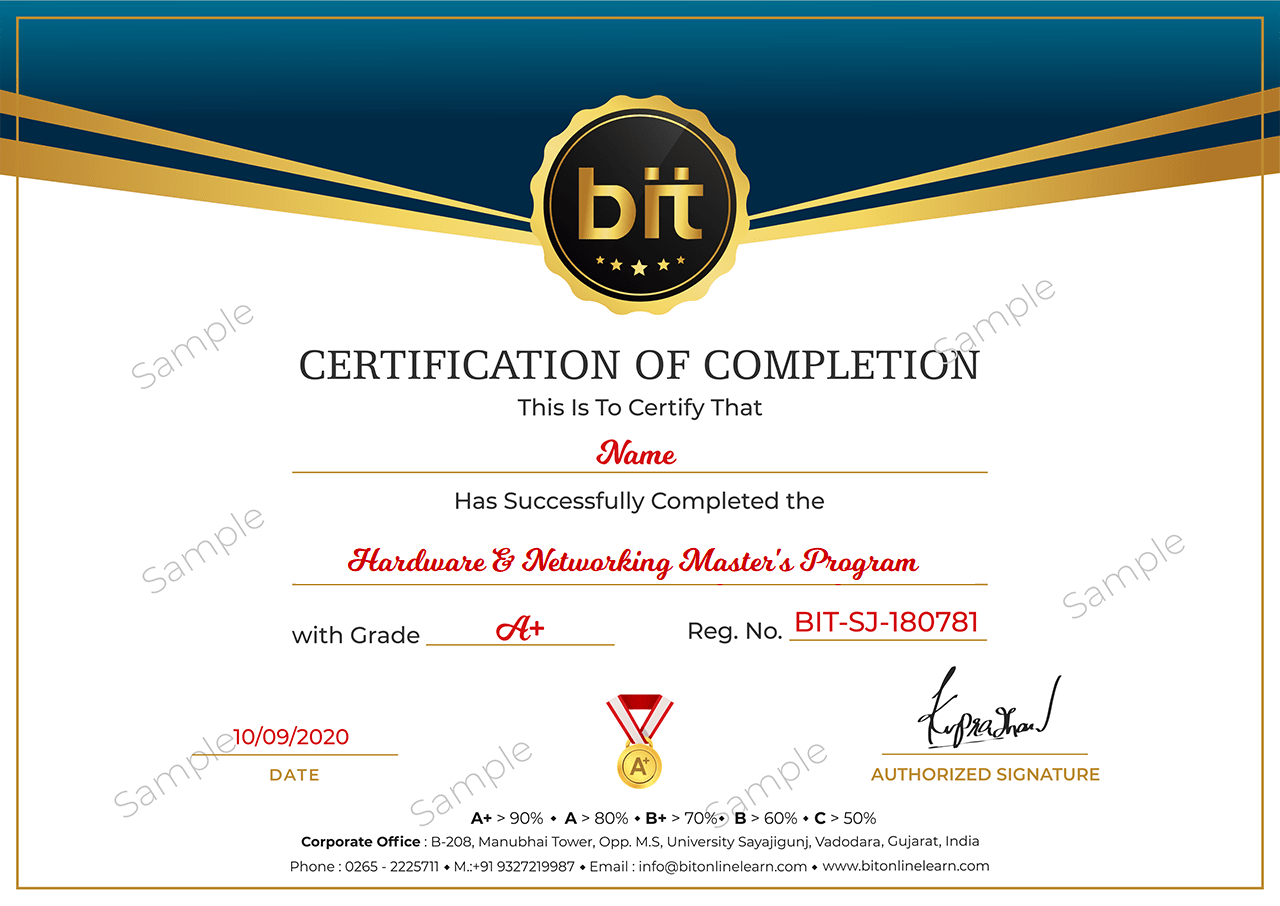
Upon the completion of the Classroom training, you will have an Offline exam that will help you prepare for the Professional certification exam and score top marks. The BIT Certification is awarded upon successfully completing an offline exam after reviewed by experts
Upon the completion of the training, you will have an online exam that will help you prepare for the Professional certification exam and score top marks. BIT Certification is awarded upon successfully completing an online exam after reviewed by experts.
This course is designed to clear the following CompTIA A+ certifications: Exam CompTIA A+ Core 1 (220-1001) and Core 2 (220-1002)and CompTIA Network+ N10-007