BIT's Revit Architecture Online Training Course will help you master the tools and techniques to create building plans and visualizations that are both beautiful and accurate.
Understand the basics of building model including grids, floor, walls, doors, windows, stairs, railings, and ramps
Create and modify 3D views, constraints, and component families
Provide documentation with the designs
Create renderings with basic and advance features
Import, export, and link the project files
Create advanced components including parametric families, nested families, and other component groups
Sharing project details and files between multiple users
Requirements
The candidates with basic understanding of designing Concepts
Description
|| About Revit Architecture Training Course
BIT’s Revit Architecture Certification online training course lets you master in Revit Architecture. We provide the best training classes to help you learn Advanced CAD and CAE software for engineering. As part of the training, you will get to work on real-world industry projects. In this Revit Architecture training course takes you beyond the basics of Revit Architecture, allowing you to develop a strong understanding of the tools and techniques available in this Autodesk software. You will start by learning how to define the family category and parameters, then jump into setting up annotation standards. From there, The course will show how to start the project, link Revit files, create phases, and organize the browser. This training also shows you how to create walls, curtain walls, floors, stairs, ramps, railings, roofs, and ceilings. You will also learn how to insert, replace and edit groups, and create and modify parts and assemblies. In this course include areas and rooms, scheduling, and detailing. Finally, you will learn about interior and exterior rendering, and how to share your work.
Autodesk Revit Architecture training prepares you to take advantage of the state-of-the-art designing technology. The aspirants will learn the sophisticated functionality of the software and the skills to utilize it according to the project requirement. Working on diversified projects will build the proficiency in the candidates to deliver high-quality designs and construction related documents using Revit Architecture. Autodesk Revit Architecture Advanced module explains the advance techniques used for importing/exporting. linking the files, creating conceptual designs, and establish work sharing between the peers.
Course Content
Live Lecture
·Revit Fundamentals
·Practical Exercise
Live Lecture
·Exploring the User Interface
·Working with Revit Elements and Families
·Starting a Project
·Importing CAD Data
·Fundamental of Massing Studies
·Creating / Modifying Topographic surface
·Practical Exercise
Live Lecture
·Creating and Modifying Levels
·Creating and Modifying Grids
·Adding Columns
·Creating a Basic Floor Plan
·Adding and Modifying Walls
·Working with Compound Walls
·Using Editing Tools
·Adding and Modifying Doors
·Adding and Modifying Windows
·Practical Exercise
Live Lecture
·Change the representation of your Project and Views
·Standard Navigation in Revit
·Standard Views
·Line
·Rectangle
·Circle
·Arcs
·Spline
·Elipse
·Pick Line
·Line Basics
·Snaps
·Controls and Shape Handles
·Basic Selections
·Select Previous
·Select All Instances
·Status Bar options
·Filter
·Selection Box
·Practical Exercise
Live Lecture
·Move
·Copy
·Rotate
·Trim/Extend
·Align
·Offset
·Mirror
·Split
·Delete
·Pin
·Array
·Scale
·Practical Exercise
Live Lecture
·Copy, Cut and Paste Options
·Undo and Redo
·Measure Tool
·Automatic Dimensions
·Practical Exercise
Live Lecture
·Managing Views
·Controlling Object Visibility
·Working with Section and Elevation Views
·Creating and Modifying 3D Views
·Practical Exercise
Live Lecture
·Working with Dimensions
·Applying and Removing Constraints
·Practical Exercise
Live Lecture
·Creating and Modifying Floors
·Working with Ceilings
·Creating Openings
·Adding and Modifying Roofs
·Creating / Editing Curtain Walls
·Adding Stairs, Railings and Ramps
·Practical Exercise
Live Lecture
·The Grids
·The Levels
·Practical Exercise
Live Lecture
·Creating a Wall
·How to modify the wall
·Compound Wall
·Wrapping of the Wall
·Wrapping at Inserts and at Ends
·Wall Attach
·Wall Materials
·Practical Exercise
Live Lecture
·Creating a Floor
·Customize the Floor
·Practical Exercise
Live Lecture
·Roof by Footprint part
·Roof by Footprint part
·Roof by Extrusion
·Roof Fascia
·Roof Soffit
·Join and Unjoin Roof
·Additional Example (Roof)
·Practical Exercise
Live Lecture
·View Range
·Plan Region
·Ceilings
·Match Properties
·Practical Exercise
Live Lecture
·Placing Doors
·Placing the Windows
·Practical Exercise
Live Lecture
·Type of Curtain Walls
·Additional Properties
·Curtain Wall Appearance
·Placing a Door for the Curtain Wall
·Practical Exercise
Live Lecture
·Creating the Stair
·Stair by assembling Components
·Construction Properties for the Stair
·Multistory Stairs
·Finishing the Stair
·Practical Exercise
Live Lecture
·Creating a Ramp
·The Slope for the Ramp
·Landings on Ramps
·Errors and Basic properties on the Ramps
·Combining multiple Ramps
·Practical Exercise
Live Lecture
·Railings
·Railing By Host
·Paths on the Railings By Host
·Practical Exercise
Live Lecture
·Opening By Face
·Shaft Opening
·Wall Opening
·Vertical Opening
·Dormer Opening
·Openings on the Project
·Practical Exercise
Live Lecture
·Opening a Family Template
·Solid Extrusion
·Solid Blend, Solid Revolve, Solid Sweep
·Solid Sweep blend
·Void Forms
·Saving the Family
·Practical Exercise
Live Lecture
·Opening a Family Template
·Solid Extrusion
·Solid Blend, Solid Revolve, Solid Sweep
·Solid Sweep blend
·Void Forms
·Saving the Family
·Practical Exercise
Live Lecture
·Work Planes and Reference Planes
·Parameters Basics
·In Place Family
·Family Type Window
·Overwrite a Family Version
·Practical Exercise
Live Lecture
·Commands Shortcuts
·Properties Filter
·Groups
·Group within another Group
·Practical Exercise
Live Lecture
·Hide and Unhide Elements
·Hide and Unhide Category
·Temporary Hide or Isolate
·Practical Exercise
Live Lecture
·Link Revit Intro
·Manage Links
·Bind Link
·Using the Project Browser to place a Revit Link
·Practical Exercise
Live Lecture
·The Base Point
·The Survey points
·Using the Base Point and the Survey Point (Introduction)
·How to Reposition a Revit Link
·Using a reference to coordinate projects using the Coordinates Systems
·Using existing coordinates to coordinate projects using the Coordinates Systems
·Publish Coordinates
·Acquire Coordinates
·Report Shared Coordinates
·Specify Coordinates at point
·Practical Exercise
Live Lecture
·Working with Mass Shapes Converting Mass
·Shapes to Building Components
·Practical Exercise
Live Lecture
·Creating and Using In-Place Families
·Creating and Modifying Parametric Families
·Creating Nested Families
·Working with Component Groups
·Practical Exercise
Live Lecture
·Designing in Phases
·Using Design Options
·Checking and Fixing Interference Conditions
·Practical Exercise
Live Lecture
·Managing Project Sharing with Worksets
·Managing Worksets and Multiple Users
·Practical Exercise
Live Lecture
·Working with a Civil Engineer on Site Design
·Working with a Structural Engineer
·Practical Exercise
Live Lecture
·Creating Realistic Presentations
·Creating Rendered Interior Scenes
·Practical Exercise
Project Development
Fees
Offline Training @ Vadodara
Classroom Based Training
Practical Based Training
No Cost EMI Option
1800015000
Online Training preferred
Live Virtual Classroom Training
1:1 Doubt Resolution Sessions
Recorded Live Lectures*
Flexible Schedule
1500012000
Corporate Training
Customized Learning
Onsite Based Corporate Training
Online Corporate Training
Certified Corporate Training
Certification
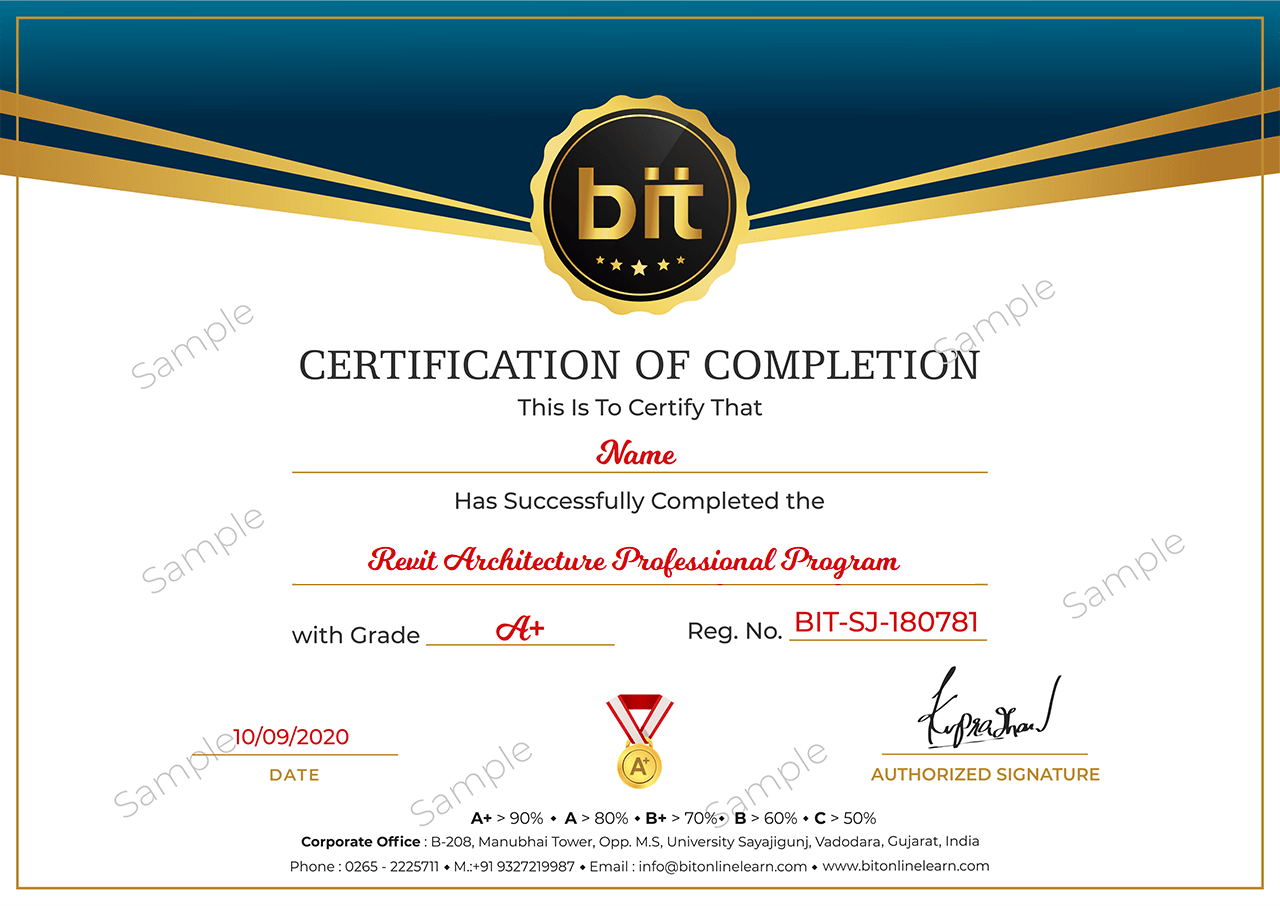
Upon the completion of the Classroom training, you will have an Offline exam that will help you prepare for the Professional certification project and score top marks. The BIT Certification is awarded upon successfully completing an offline exam after reviewed by experts
Upon the completion of the online training, you will have an online exam that will help you prepare for the Professional certification project and score top marks. BIT Certification is awarded upon successfully completing an online exam after reviewed by experts.
This course is designed to clear Autodesk Revit Architecture Certification Exams