3ds MAX Online Training provides exposure to a premier design visualization platform from Autodesk. 3Ds Max is widely used for several sectors like Architecture, Interior, Gaming, Modelling, Animation and lot more.
Use the provided project to create a photorealistic interior rendering using advanced techniques with 3ds Max + Vray
Learn the necessary tools, tips and tricks to make your images really stand out as professional & photorealistic.
Model custom furniture using Polygon tools and other 3ds Max tools
Model cloth objects using cloth simulation in Marvelous Designer
Understand how to use all the settings of the 3ds Max Physical Camera in order to improve composition
Achieve perfect light exposure for your renderings
Use Vray lights, including HDRI dome lights, to create natural looking lighting to achieve photorealism
UVW mapping for complex models
Requirements
Candidates with prior knowledge of AutoCAD 3D modeling can undergo this training.
Description
|| About 3ds Max Training Course
3ds Max is best known for its modeling and rendering tools. These strengths come into play in architecture, manufacturing, game development, industrial design, and motion graphics. There are dozens of features and techniques to master, from sculpting and texturing to lighting and rendering. This course covers 3ds Max from the ground up, providing an overview of the entire package as well as essential skills that 3D artists need to create professional models and animations. Learn how to get around the 3ds Max interface and customize it to suit your production pipeline. Discover how to model different objects using splines, NURBS, polygons, subdivision surfaces, and tools such as Paint Deform. Then, find out how to construct hierarchies, add cameras and lights to a scene, and animate with keyframes. Author Aaron F. Ross also takes an in-depth look at materials and texture mapping as well as the rendering options, including an introduction to Arnold, the new production renderer.
Our 3Ds Max online training course lets you master in 3Ds Max. We provide the best training classes to help you learn Advanced CAD and CAE software for engineering. As part of the training, you will get to work on real-world industry projects. 3ds MAX training provides exposure to a premier design visualization platform from Autodesk. The training prepares the attendees to start their career in graphics and architecture designing. Participants learn using tools for 2D and 3D modeling, and generating impressive rendered animations. Knowledge about transforming objects, surface modeling, rendering; and 3D procedural modeling is imparted to the trainees. 3DS Max is a unique software that allows you to create various 3D structures, objects and elements for a very effective three-dimensional presentation. It is widely used for several sectors like Architecture, Interior, Gaming, Modelling, Animation and lot more.
Course Content
Live Lecture
·Visualization Workflow
·The Autodesk 3ds Max Design Interface
·Preferences
·Setting the Project Folder
·Configure Paths
·Display Drivers
·Viewport Display and Labels
·The File Management System
·Working with Units
·Viewport Navigation
·Viewport Configuration
·Nitrous Viewport Quality
·The Quad Menu System
·The All-Important Command Panel
·Working with The Ribbon
·Managing Workspaces and The Enhanced Menus
·Search All Actions
·Send to Maya
·Mudbox,
·Softimage
·MotionBuilder
·Auto Backup
·Isolate Workflow
·3DS Max Gamma Workflow
·Practical Exercise
Live Lecture
·Viewport Configuration
·Viewport Navigation
·Object Selection Methods
·Units Setup
·Layer and Object Properties
·Practical Exercise
Live Lecture
·Getting the Best from The Transform Gizmo
·The Reference Coordinate System
·The Home Grids
·Pivot Point Manipulation
·Snaps and How to Use Them
·Practical Exercise
Live Lecture
·Layer Management
·State Sets Workflow
·The Power of Groups and Object Naming Tools
·Selection Sets
·Using Containers
·XRef Scenes
·XRef Objects
·Outputting Files Using State Sets
·After Effects Composite Link
·Practical Exercise
Live Lecture
·Model with Primitives
·Applying Transforms
·Sub-Object Mode
·Reference Coordinate Systems and Transform Centres
·Cloning and Grouping
·Poly Modelling with Graphite Tools
·Statistics in Viewport
·Practical Exercise
Live Lecture
·3D Modelling from 2D Objects
·Drawing 2D Lines
·The Lathe Modifier
·The Extrude Modifier
·Boolean Operations
·The Sweep Modifier
·Using Snaps for Precision
·Practical Exercise
Live Lecture
·Data Linking and Importing
·DWG Link and Import Options
·Importing and Linking Models from Autodesk Revit
·Practical Exercise
Live Lecture
·Introduction to Materials
·Understanding Maps and Materials
·Managing Materials
·Standard Materials
·Material Shaders
·Assigning Maps to Materials
·Opacity
·Bump
·Reflection Mapping
·Mental ray Materials
·The Material Explorer
·Practical Exercise
Live Lecture
·Learn from Expertly Created Materials
·UVW Mapping for Our Furniture Model
·Create Your Own Photoreal
·Tileable Maps in Photoshop
·Generate Your Other Maps – Reflection
·Bump
·Create a Photorealistic Vray Material
·Stainless Steel Material
·Practical Exercise
Live Lecture
·Mapping Coordinates
·Mapping Scale
·Spline Mapping
·Practical Exercise
Live Lecture
·Local vs. Global Illumination
·Fundamentals of Standard Lighting
·Types of Standard Lights
·Shadow Types
·Practical Exercise
Live Lecture
·Photometric Light Objects
·Exposure Control
·Daytime Lighting
·Practical Exercise
Live Lecture
·Fundamentals of mental ray
·Mental ray Interior Rendering
·Controlling mental ray Quality
·Mental ray Proxies
·Practical Exercise
Live Lecture
·Photography Theory: Basic Terms Explained
·Learn Good Composition from The Pros
·All 3ds Max Physical Camera Settings Explained
·Practical Exercise
Live Lecture
·Cameras
·Background Images
·The Print Size Wizard
·Iterative Rendering
·Single vs. Double-Sided Rendering
·Rendering Options
·Rendering Presets
·Practical Exercise
Live Lecture
·Use a Material Override Rendering to Figure Out Lighting
·Use an HDRI Light Source for an Extremely Realistic Scene
·Add Interior Light to Your Scene with Vray Lights
·Practical Exercise
Live Lecture
·Animation Controls
·Walkthrough Animation
·Animation Output
·Practical Exercise
Project Development
Fees
Offline Training @ Vadodara
Classroom Based Training
Practical Based Training
No Cost EMI Option
3000025000
Online Training preferred
Live Virtual Classroom Training
1:1 Doubt Resolution Sessions
Recorded Live Lectures*
Flexible Schedule
2200020000
Corporate Training
Customized Learning
Onsite Based Corporate Training
Online Corporate Training
Certified Corporate Training
Certification
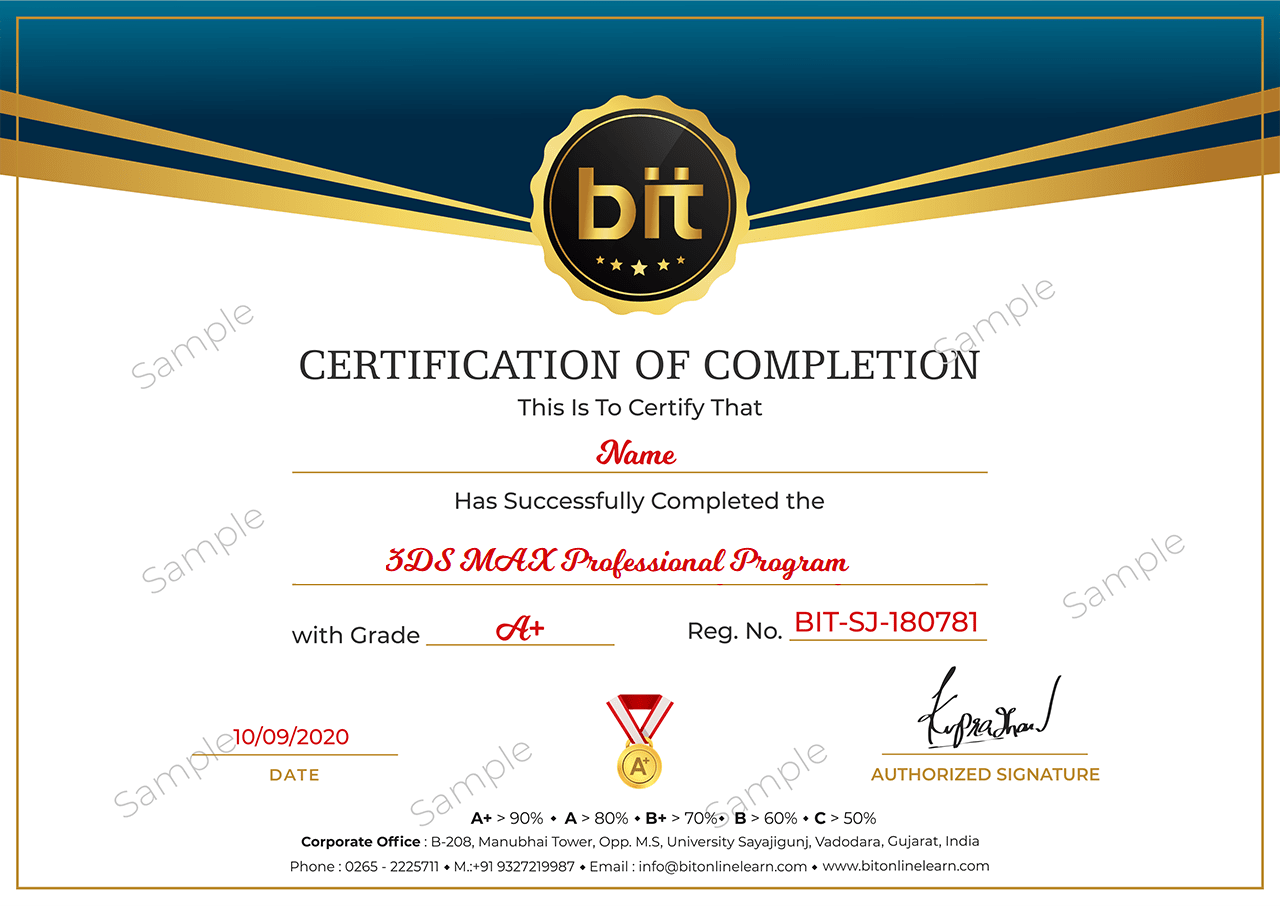
Upon the completion of the Classroom training, you will have an Offline exam that will help you prepare for the Professional certification project and score top marks. The BIT Certification is awarded upon successfully completing an offline exam after reviewed by experts
Upon the completion of the online training, you will have an online exam that will help you prepare for the Professional certification project and score top marks. BIT Certification is awarded upon successfully completing an online exam after reviewed by experts.
This course is designed to clear Autodesk 3DsMax Certification Exams