Microsoft Excel and master the process of automating routine tasks through the use of Excel Macros and Excel VBA. Excel with VBA Online Training Course is Project-Based Course on Excel VBA (Visual Basic for Applications) and Excel Macros.
Build a solid understanding on the basics of Microsoft Excel. Writing formulas and performing calculations
Introduction to Excel worksheets, workbooks, and toolbar: Learn the basics of Excel and how to navigate a spreadsheet.
Cells, Ranges, Tables, Worksheet operations: Navigate the spreadsheet & begin to change the way cells, ranges, & tables...
Become an advanced Excel wizard by writing your own programmed tasks directly in Excel to automate complicated tasks.
Easily and quickly produce a summary of key statistics for any given data set through Excel functions.
What-If Analysis: Explore a variety of different results by comparing two sets of data within the spreadsheet.
Summarizing in Excel using Pivot Tables: Quickly summaries, analyse, and sort your data with easy-to-use pivot tables.
Keep others from changing the cells in your worksheet through data protection and validation.
Requirements
Basic Computer Knowledge.
Description
|| AboutExcel With VBA Training Course
During this course, you will build a foundation of working with Excel Macros and VBA. This foundation will be built as you engage and participate in project-based Excel Macro/VBA exercises, detailed throughout the lectures within this course. Each of the projects will build upon one another, introducing a new concept each time, starting with the basic building blocks of automating any task within Excel and ending with a fully customized Excel VBA project that will automate a series of Excel tasks. Excel with VBA online training imparts the skills to build proficiency in coming up with solutions for handling repetitive tasks and run in response on the occurrence of specific events. VBA stands for Visual Basic for Applications an event-driven programming language from Microsoft that is now predominantly used with Microsoft Office applications such as MSExcel, MS-Word, and MS-Access.VBA means Visual Basic for Applications. It's a program design language that permits us to regulate just about the whole thing in Excel. Learning on how to make Macros that can be run from things like a button on a spreadsheet, the Excel Ribbon - in fact, lots of places. Knowledge Excel VBA will allow us to do a lot more with the software than we can view via the standard spreadsheet. Course Objectives: If we are executing repetitive actions on workbooks or sheets, it may be probable to systematize that work. Introducing data, cleaning that data, archiving current information and similar activities are decent applicants for computerization in Excel. VBA offers extra options for developers viewing to automate Excel.
The training curriculum is comprised of four sub-sections:
MS Excel (Advance
MS Excel (Macros)
Visual Basic for Applications (VBA)
MS Access (Advance)
Participants will learn the effective ways of using advanced features of MS-Excel and macros. Candidates will learn how to create macros using VBA, a programming language used in Excel. The VBA classes will build the skills for developing automated procedures, customized menus, and an easy user interface. The learning curve is extended by delivering knowledge and skills on using MS-Access for managing and accessing data in the database.
Course Content
Live Lectures 1-10
Microsoft Excel is very popular software program included in the Microsoft office suite and used to create spreadsheets documents which is laid out in rows and columns as a big table. Excel has become one of the most used software programs in the business world due to its supreme versatility and power.
Live Lectures
·Data Formatting & Custom settings
·Conditional Formatting
·Filters, Queries & Data Sorting
·Formula Writing & Fixing Errors
·If‐Then‐Else & Nested If commands
·Vlookup / Hlookup
·Graphs & Charts
·Hyper / Data Linking
·Grouping ‐ Ungrouping
·Pivot Tables
·Macros Recording, use, editing, linking:
·Security & Protection
·Data Validation
·Practical Exercise
Live Lectures 11-20
VBA Excel Training at BIT aims to impart basic skills in using Excel to its best. Participants will learn to use statistical, math, and logical functions, organize data using filter and sort and effectively present data for quick decision making using charts and graphs.Participants will also gain some advanced skills in Excel, such as using VLOOKUP, PivotTables, and Macros among others.
Live Lectures
·Creating & Recording Macro
·Executing Macros through shortcuts & command buttons
·Editing recorded syntax
·Modules
·Procedures
·Sub Procedures
·Functions
·Objects and collections
·Workbook and workbook objects
·Range object & cells property
·Methods & properties
·Object variables and arguments
·If Case, Loop Case & Select Case
·Practical Exercise
Live Lectures 21-31
VBA means Visual Basic for Applications. It's a program design language that permits us to regulate just about the whole thing in Excel. Learning on how to make Macros that can be run from things like a button on a spreadsheet, the Excel Ribbon - in fact, lots of places. Knowledge Excel VBA will allow us to do a lot more with the software than we can view via the standard spreadsheet. Course Objectives: If we are executing repetitive actions on workbooks or sheets, it may be probable to systematize that work. Introducing data, cleaning that data, archiving current information and similar activities are decent applicants for computerization in Excel. VBA offers extra options for developers viewing to automate Excel.
Live Lecture
·Welcome To Visual Basic
·A Simple Project
·Using the Application Wizard
·Practical Exercise
Live Lecture
·Visual Basic Controls
·Creating and Manipulating New Controls
·Changing Design Time Control Properties
·Visual Basic Built‐In Controls
·Practical Exercise
Live Lecture
·Introducing Events
·Event Procedures
·The Form Load Event
·The Form Resize Event
·Command Button Click Event
·Text Box Change Event
·The Timer Control's Timer Event
·GotFocus / LostFocus Events
·Practical Exercise
Live Lecture
·Setting Properties at Run Time
·Setting Form and Control Properties
·Using ActiveX Controls
·Adding ActiveX Controls to a Project
·Using the Monthview ActiveX Control
·Extra ActiveX Samples
·Practical Exercise
Live Lecture
·Menus in Visual Basic
·Using the Menu Editor
·Working with Menus
·Manipulating Menus at Run Time
·Reusing Menus
·Creating Popup Menus
·Practical Exercise
Live Lecture
·Finishing Touches
·Project Properties
·Native Code vs. p‐code
·Creating Your Executable
·Using the Package and Deployment Wizard
·Practical Exercise
Live Lecture
·Creating a Simple Procedure
·Variables and Parameters
·Data Types
·Using Constants
·Investigating Built‐In Functions
·Branching Structures and Looping Structures
·Practical Exercise
Live Lecture
·Handling Syntax Errors
·Handling Run‐Time Errors
·The Error Handling Standard
·Taking a Closer Look
·Who Handles Errors?
·Practical Exercise
Live Lecture
·Handling Logic Errors
·Watch Expressions
·The Call Stack
·The Debugging Process
·Practical Exercise
Live Lecture
·Scope, Lifetime, and Precedence
·Passing by Value and by Reference
·Arrays
·Optional Arguments
·Using Multiple Forms
·List Boxes Revisited
·Control Arrays
·Practical Exercise
Live Lecture
·Support for Data Access in Visual Basic 6.0
·Using the ADO Data Control
·Binding Controls to Data
·Writing Code for the Data Control
·Practical Exercise
Live Lectures 32-38
This VBA for Access training course is designed for experienced users of Access' advanced features, who wish to extend their knowledge to include the use of Visual Basic for Applications (VBA) within Access.
Live Lectures
·Encrypting a Database
·Using the Access 2010 Runtime Program
·Packaging a Database
·Synchronizing a Database with a SharePoint List
·Importing Data from and Exporting Data to SharePoint Lists
·Sharing a Database
·Practical Exercise
Fees
Offline Training @ Vadodara
Classroom Based Training
Practical Based Training
No Cost EMI Option
2500022000
Online Training preferred
Live Virtual Classroom Training
1:1 Doubt Resolution Sessions
Recorded Live Lectures*
Flexible Schedule
2200020000
Corporate Training
Customized Learning
Onsite Based Corporate Training
Online Corporate Training
Certified Corporate Training
Certification
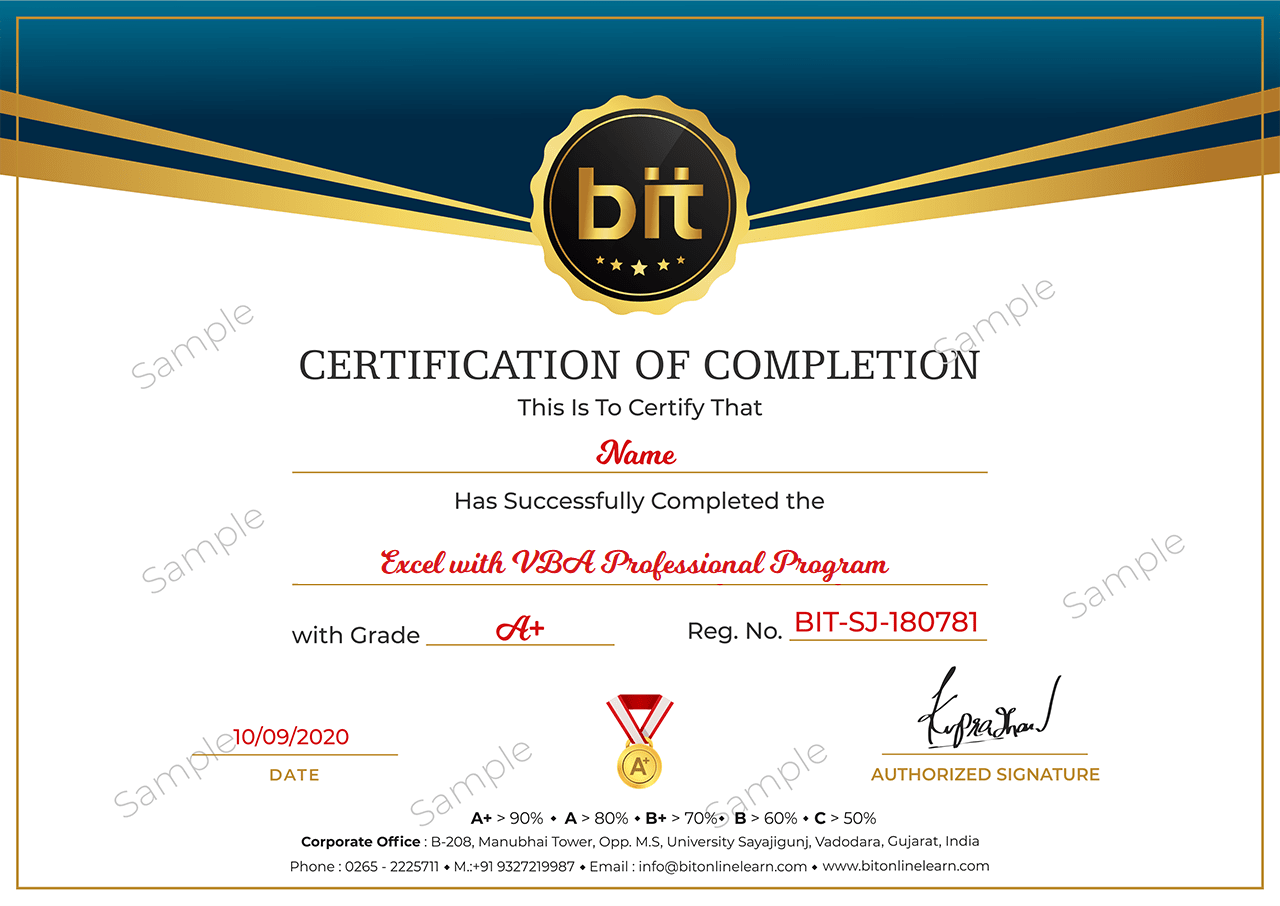
Upon the completion of the Classroom training, you will have an Offline exam that will help you prepare for the Professional certification exam and score top marks. The BIT Certification is awarded upon successfully completing an offline exam after reviewed by experts
Upon the completion of the Online training, you will have an online exam that will help you prepare for the Professional certification exam and score top marks. BIT Certification is awarded upon successfully completing an online exam after reviewed by experts.